Organize your day with My tasks
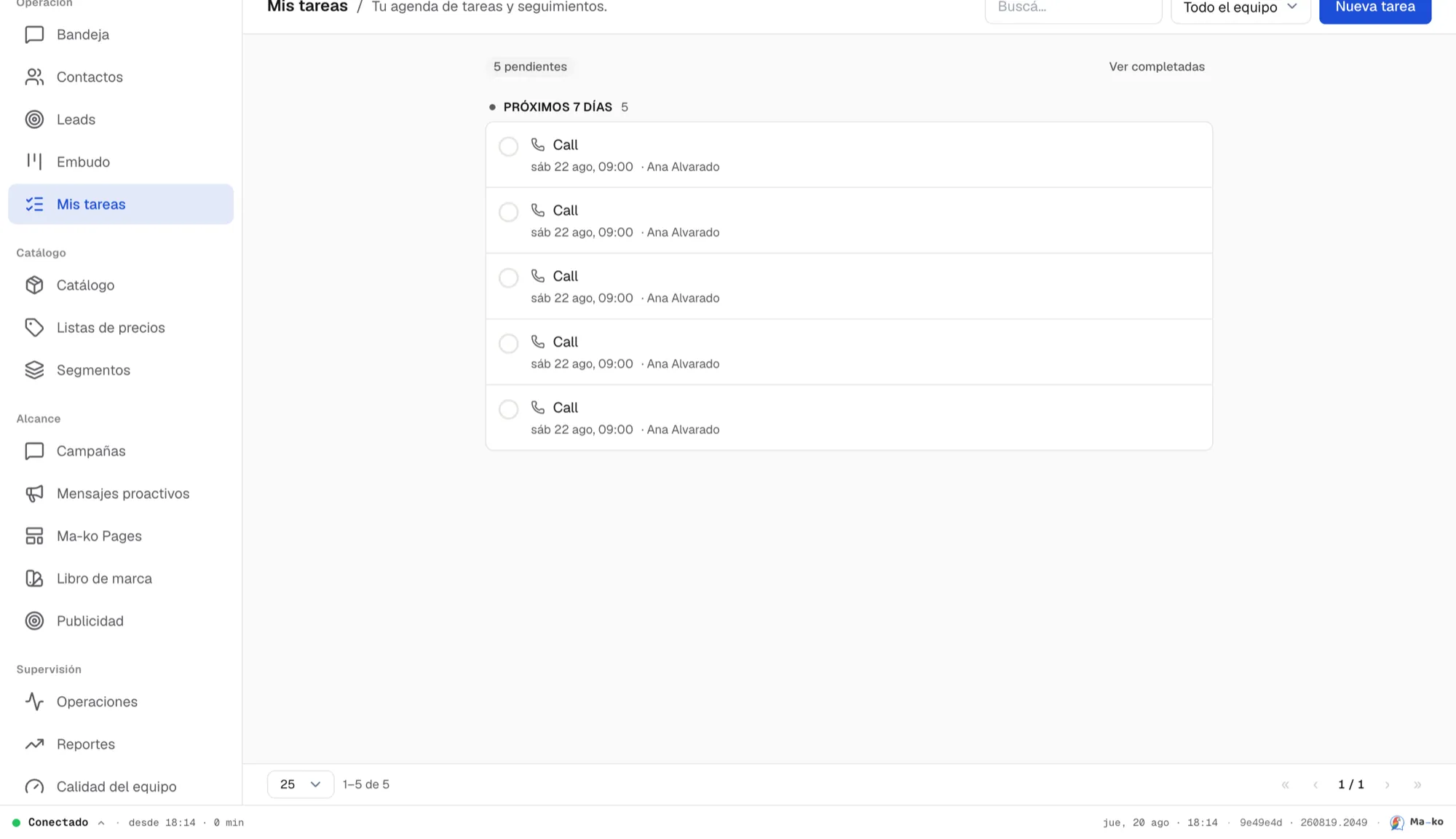
My tasks is your agenda inside Ma-ko: what you promised to do, grouped by when it’s due — Overdue, Today, Tomorrow, Next 7 days, Later.
Before you start
Section titled “Before you start”-
Open My tasks. It’s in the main menu. At the top you see the overdue and pending counters.
-
Create one with “New task”. The drawer has two tabs: New task (plan something ahead: type — Task, Call, Meeting, Email, Follow-up —, title and due date, with an “All day” option) and Log (record something that already happened, with its outcome).
-
Work the list. Complete with Mark as done; if you can’t get to it, Snooze (an hour, tomorrow or a week). Each task shows its contact or opportunity so you know what it’s about.