Sign in
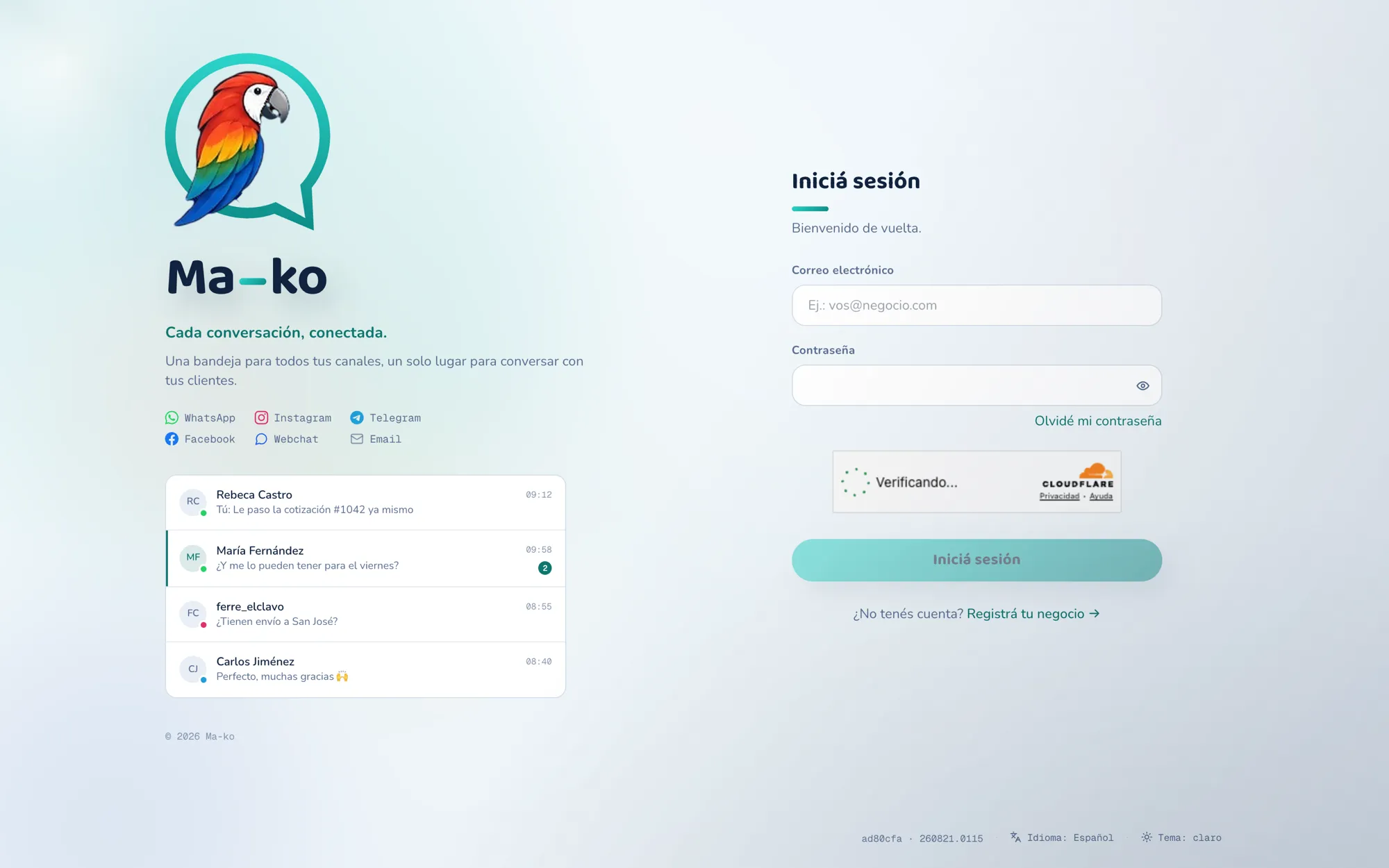
Once you’ve registered your business, you sign in to Ma-ko with your email and password.
Before you start
Section titled “Before you start”-
Open the sign-in screen. Go to Ma-ko in your browser.
-
Type your email and password. Press Sign in.
-
Complete the extra steps, if they apply. If your business uses two-step verification, enter the 6-digit code from your authenticator app. If your account belongs to several companies, pick which one to enter. You land in your Inbox.