
Team roles and permissions
In Ma-ko, every person on your team has a role that defines what they can see and do in your business.
The three roles
Section titled “The three roles”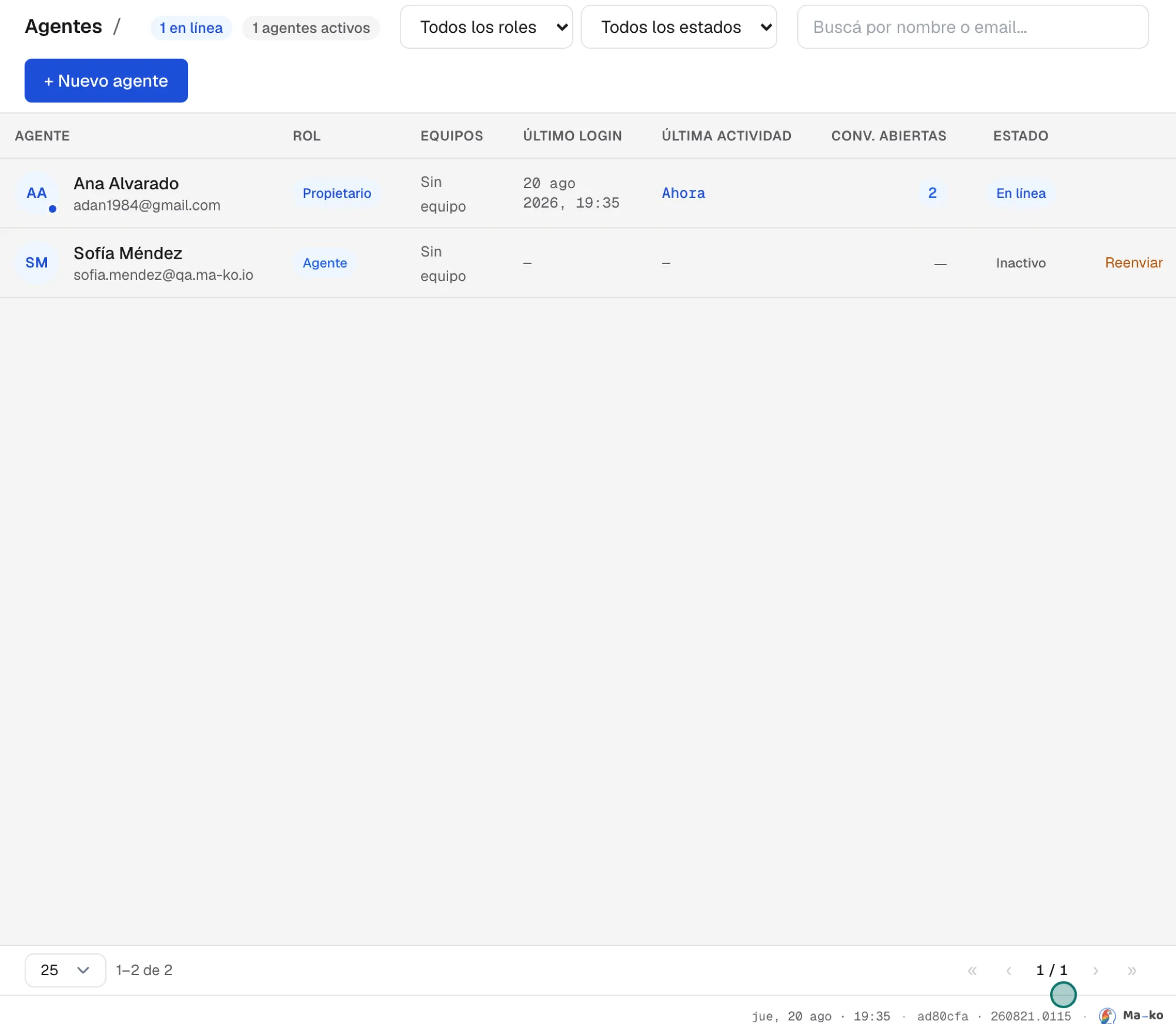
Owner — One per business: the helm. Only the owner can turn on the artificial intelligence features, configure the Assistant, and transfer ownership. Ownership isn’t shared: when transferred, the other person becomes the sole Owner and you become an Administrator.
Administrator — Configures the business, invites people, changes roles and sees everything: conversations, contacts and sales across the whole team.
Agent — Handles, sells and closes. They see what’s theirs to see according to the business visibility, and in Settings they only manage their Profile, Labels and Templates.
Change someone’s role
Section titled “Change someone’s role”-
Open Settings → Agents. It’s in the People group.
-
Double-click the person. The Edit agent drawer opens.
-
Pick the role and press “Save changes”. The change applies instantly. The Owner role isn’t assigned here: it only changes via Transfer ownership to this person.