Decide who sees what
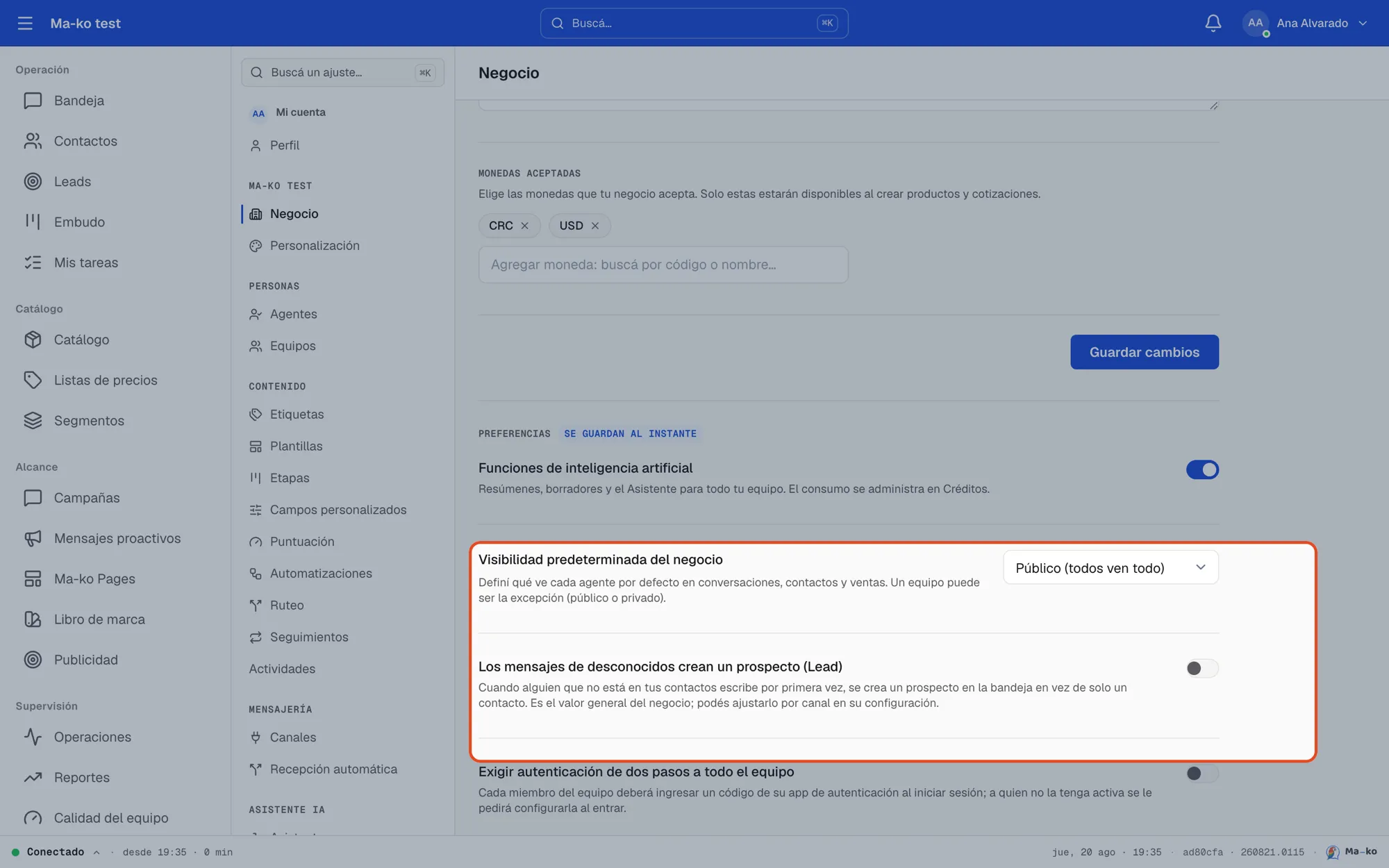
Business visibility is a single decision that applies evenly to conversations, contacts and sales.
Before you start
Section titled “Before you start”-
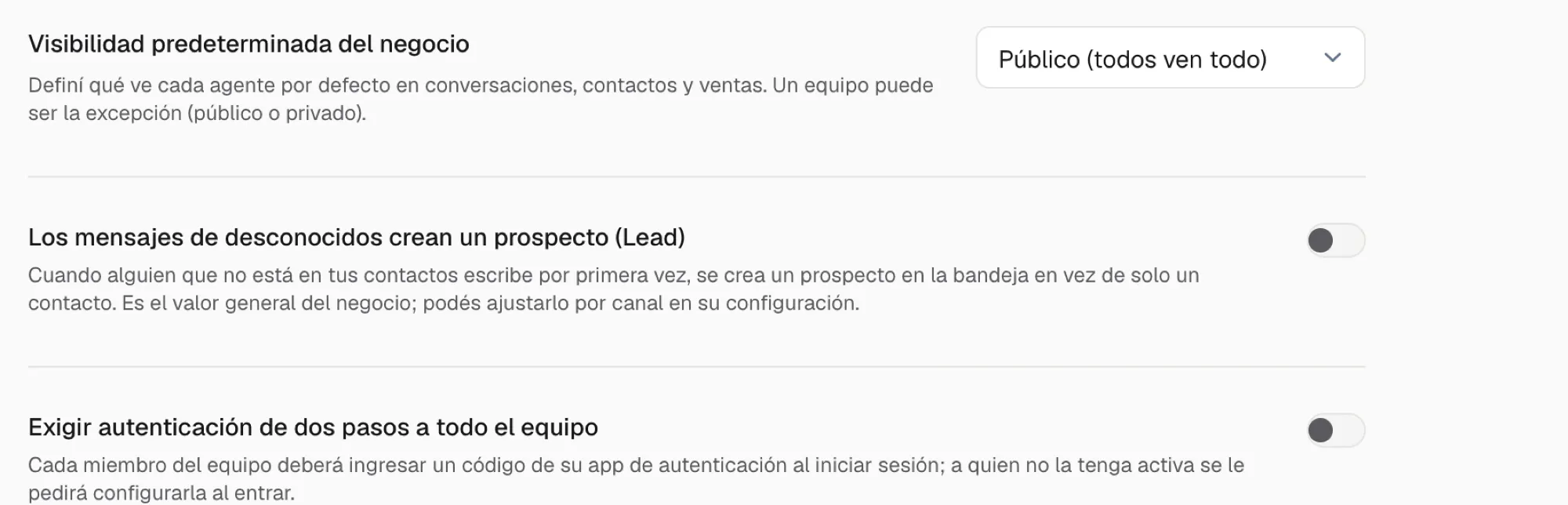
Open Settings → Business. Find the Default business visibility section.
-
Pick the mode. Three options: Public (everyone sees everything) — the starting default, ideal for small teams; Their team only — each agent sees their teams’ work, plus what’s assigned to them; Assigned only — each agent sees only their own. The change saves immediately.
-
Set per-team exceptions (optional). In Settings → Teams, each team can set its own visibility: Inherit from business, Public or Private. The team’s exception wins over the general mode.