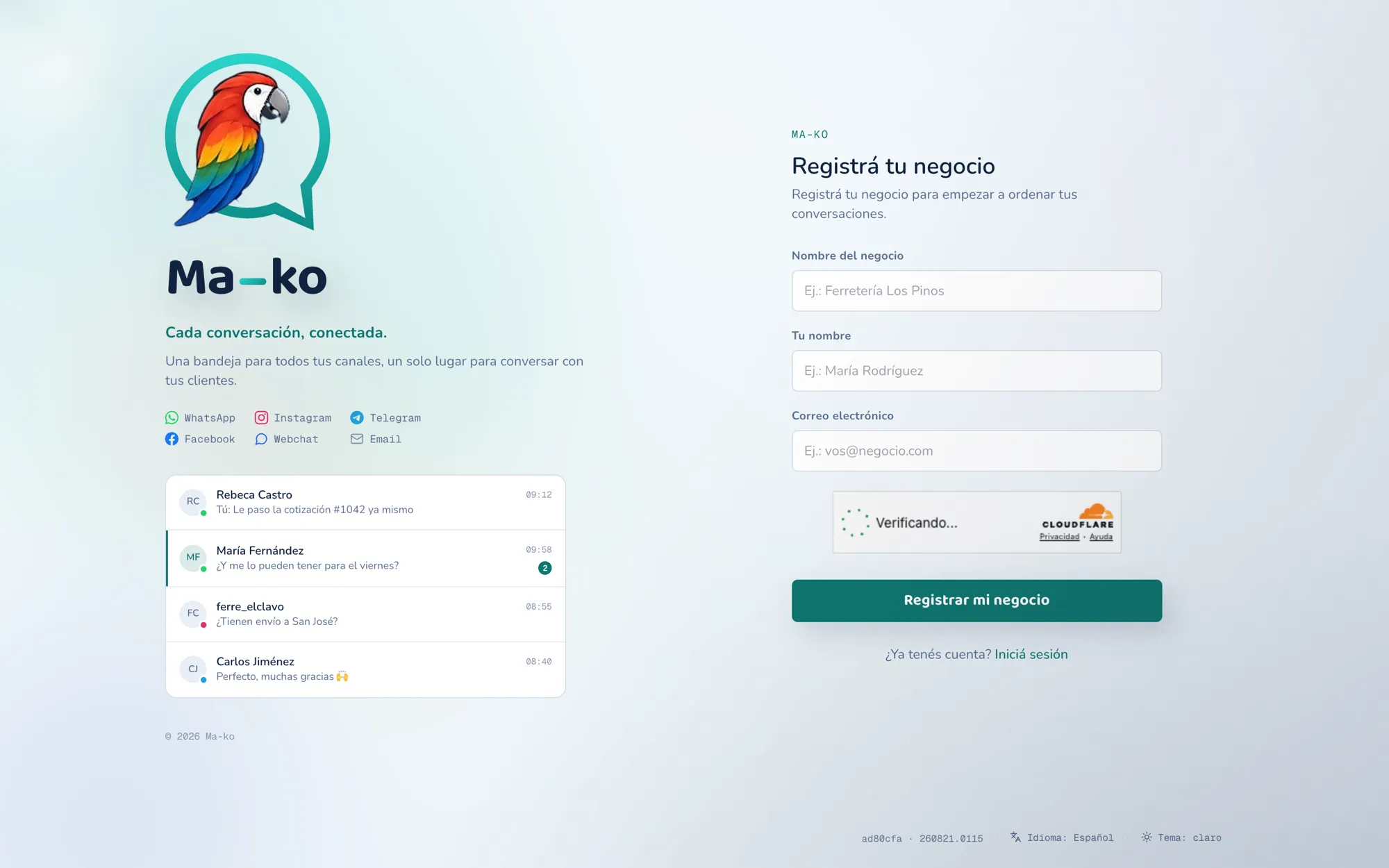
Register your business
Register your business on Ma-ko in a minute: free, no card required, with a full month to try it out.
Before you start
Section titled “Before you start”-
Open the registration screen. From the sign-in screen, choose Register your business.
-
Fill in the details. Three fields: your Business name, Your name and your Email. An automatic security check may appear; nothing special to do.
-
Press “Register my business”. We send a confirmation link to your email and the screen tells you: Check your email.
-
Open the link and set your password. The link opens the final screen: choose your password, press Set my password, and you land straight in your Inbox.