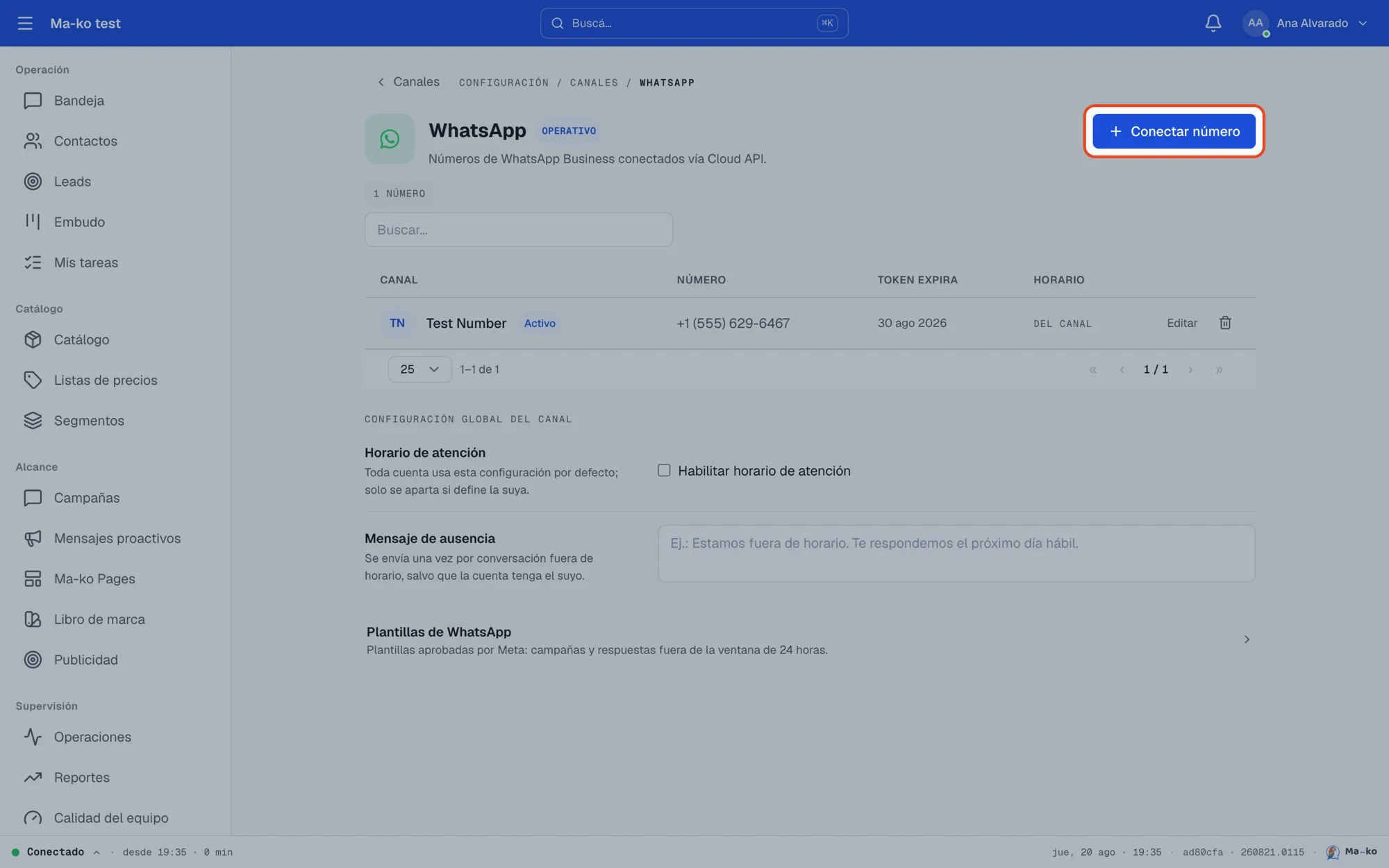
Connect your WhatsApp number
Link your WhatsApp Business line to Ma-ko so your team can receive and reply to messages from the shared Inbox.
Before you start
Section titled “Before you start”-
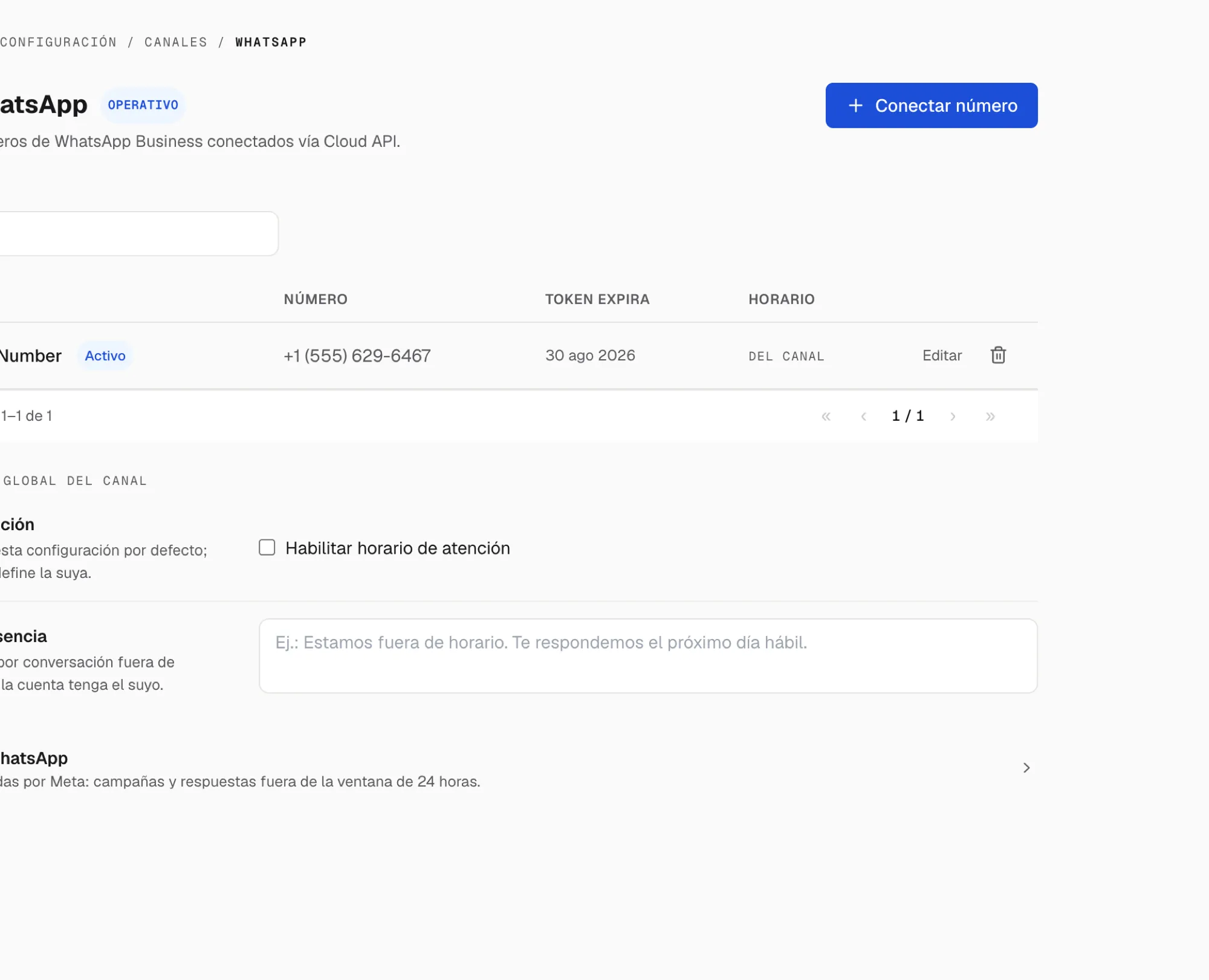
Open Settings → Channels and enter WhatsApp. On the channel page, choose Connect number.
-
Pick the modality. A new number, only in Ma-ko (recommended: your whole team works from the Inbox) or Keep using WhatsApp Business on your phone (coexistence: the same number works on your phone and in Ma-ko at once).
-
Set the Owning team and the Display name. Conversations arriving through this number are assigned to that team.
-
Press “Connect with Facebook”. Meta’s dialog opens: sign in, pick (or verify) your number and accept the permissions. Nothing to copy or paste.
-
Test the connection. Use Test connection on the channel page, or message yourself from another phone: it should appear in your Inbox within seconds.